Bentral
How to authenticate the integration
We'll use a test app, Acme AI, to show how an end-user can authenticate the integration between bentral and Acme AI.
Go to Settings > Integrations section within Acme AI app.
Among the list of Integrations, click on bentral's logo and you will be redirected to the Authentication Screen as shown below.
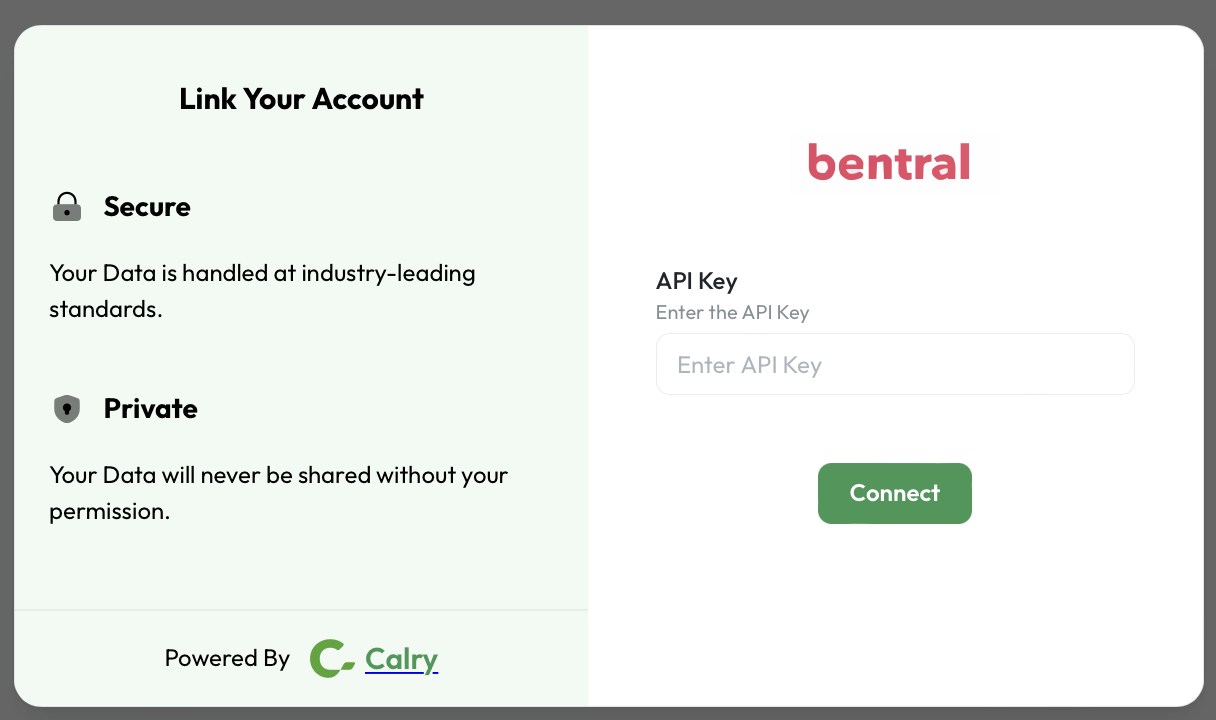
To get your api key please contact bentral's support team from within your bentral dashboard.
Paste it back on your Authentication Screen (from Point 2) and Click on ‘Connect’. You will see a message box that shows you’ve successfully authenticated the integration. You will be redirected back to Acme app now.
If you have any questions or need help, don't hesitate to reach out at mail@calry.app.